
How Does Sprite Renderer Work in Unity?
Sprite Renderer is the Component that draws a Sprite in a 2D or 3D world. Sprite, Color, Flip, Sorting Layer, Order in Layer, and Material work together to produce the final image. The example changes a character's colour when hit, flips it by movement direction, and gives a weapon its own sorting. It makes render order concrete through one object.
ASCENO / UNITY STUDY NOTES · 42
How Does Sprite Renderer Work in Unity?
Sprite Renderer trong Unity hoạt động thế nào?
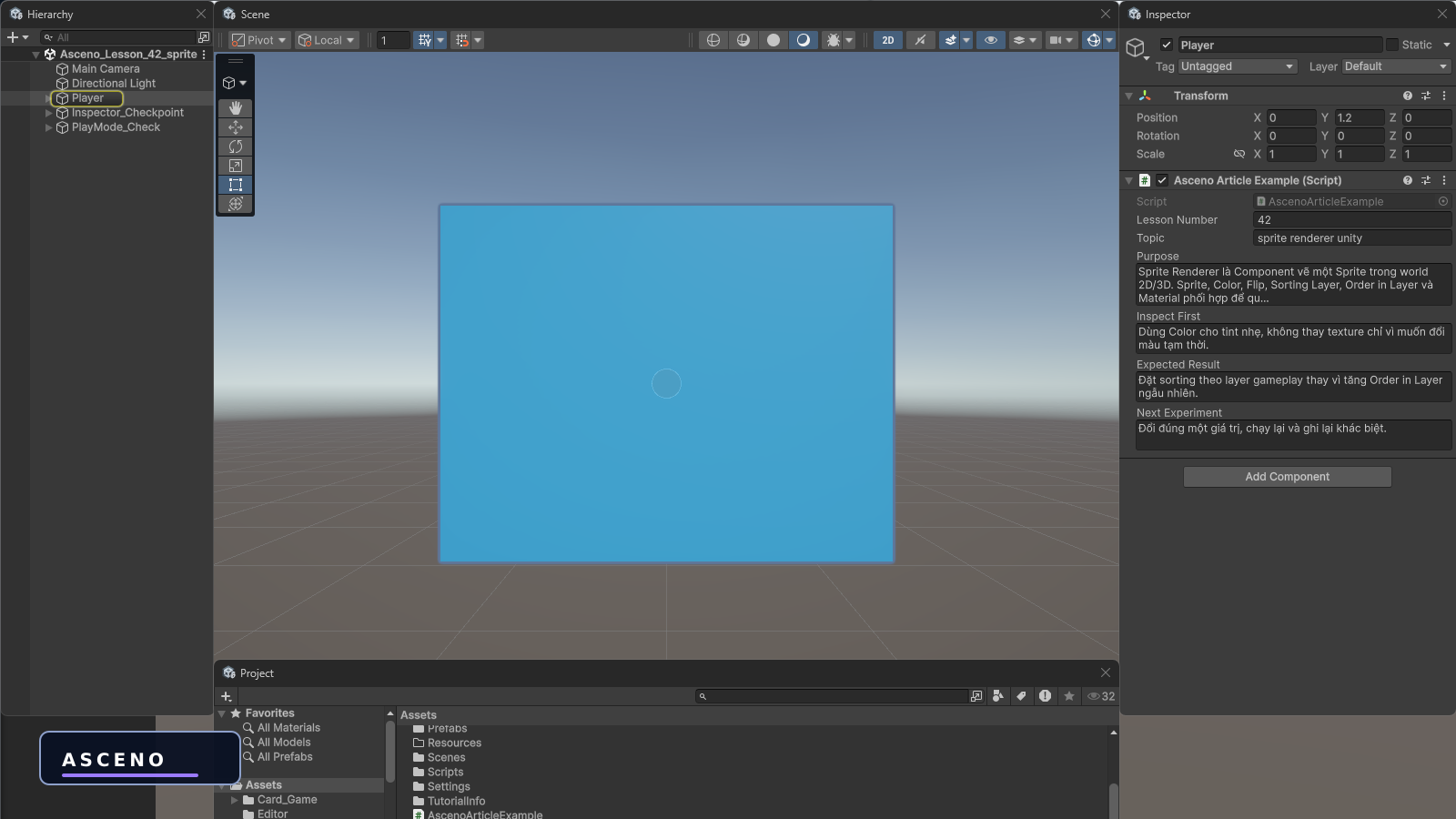
The lesson starts with a direct Unity screenshot so the practical action is visible. The nine following figures are language-neutral illustrations; the bilingual text below them carries the explanation. The main topic is sprite renderer unity. Figure 1 is practical evidence; figures 2–10 use only shapes, symbols, and visual relationships so they can remain unchanged across languages.
Learning goals
- Explain the concept with a model or data flow.
- Know exactly which Unity window to open.
- Predict the result before pressing Play and find evidence.
- Rebuild a small experiment and debug it methodically.
1. Hands-on practice in Unity
Open the test Scene, select the relevant object, and perform the action described in the lesson. This is a native Unity screenshot that shows where to begin; the steps and meaning are explained in the text below.
2. System illustration
Sprite Renderer is the Component that draws a Sprite in a 2D or 3D world. Sprite, Color, Flip, Sorting Layer, Order in Layer, and Material work together to produce the final image. The illustration below contains no language-specific text; read it together with this explanation and the concrete steps.
- sprite renderer unity | the lesson concept | read the focus and hands-on example | do not infer it from object colours
- Input/setting | the input data or configuration | record the value before changing it | do not change several things at once
- Result/evidence | what must be observed in the Scene, Game, Inspector, or Console | capture the correct panel | a polished image is not evidence
3. Cause → result illustration
Read the arrow direction, relative position, and symbol changes as a causal relationship. The explanation below names each step in text rather than relying on words inside the image.
- Define the question
- Build a small test Scene
- Change one value or reference
- Press Play / run the action
- Read the correct panel
- Compare with the prediction
4. Sequence illustration
Open Unity and identify the window that produces the lesson result; capture only after the object name, field, or output you need to teach is visible.
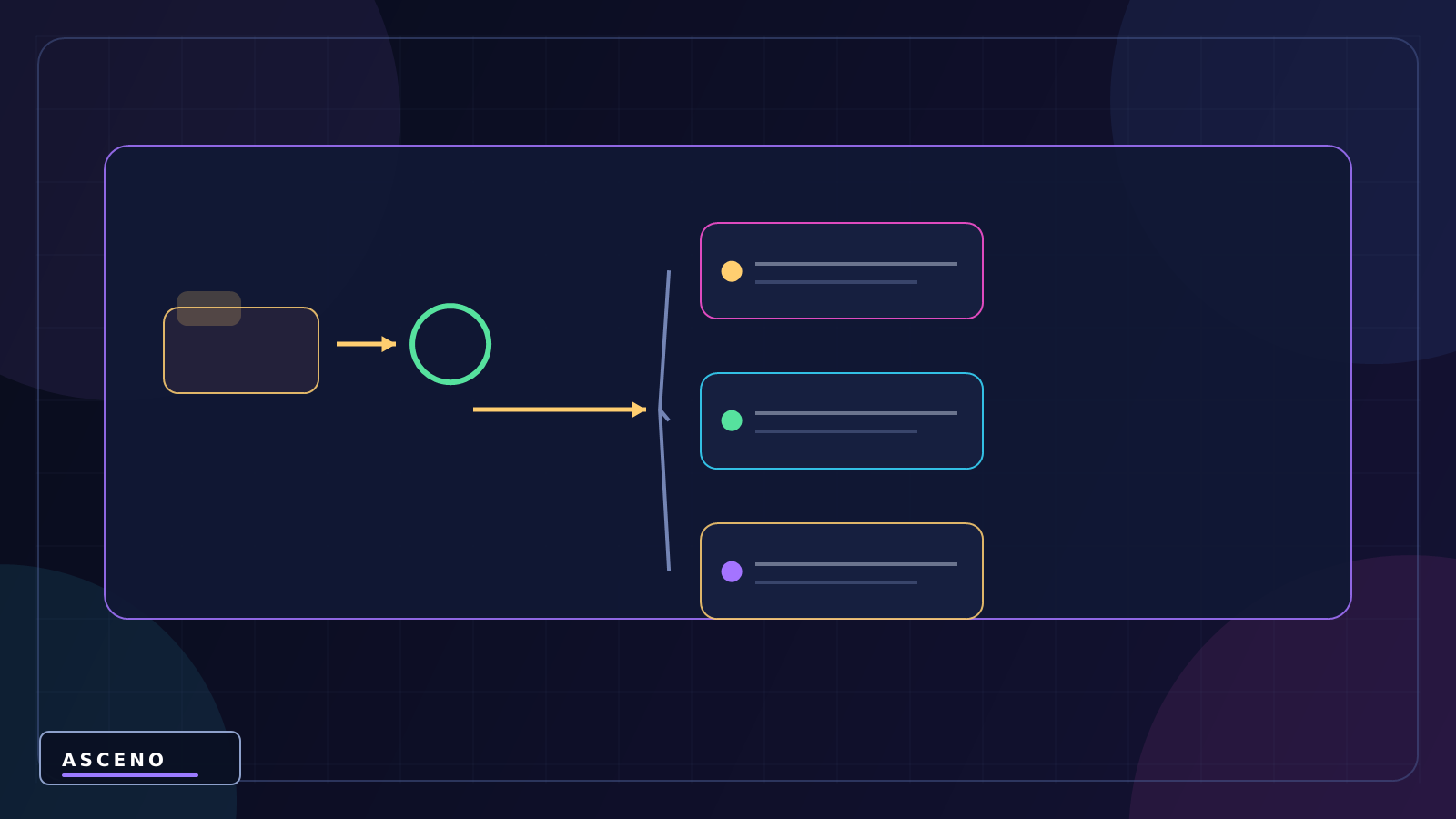
5. Object structure illustration
Read the object name in the Hierarchy first. If the name does not communicate its role, rename it in the test Scene; a screenshot is useful only when the reader knows what is selected.
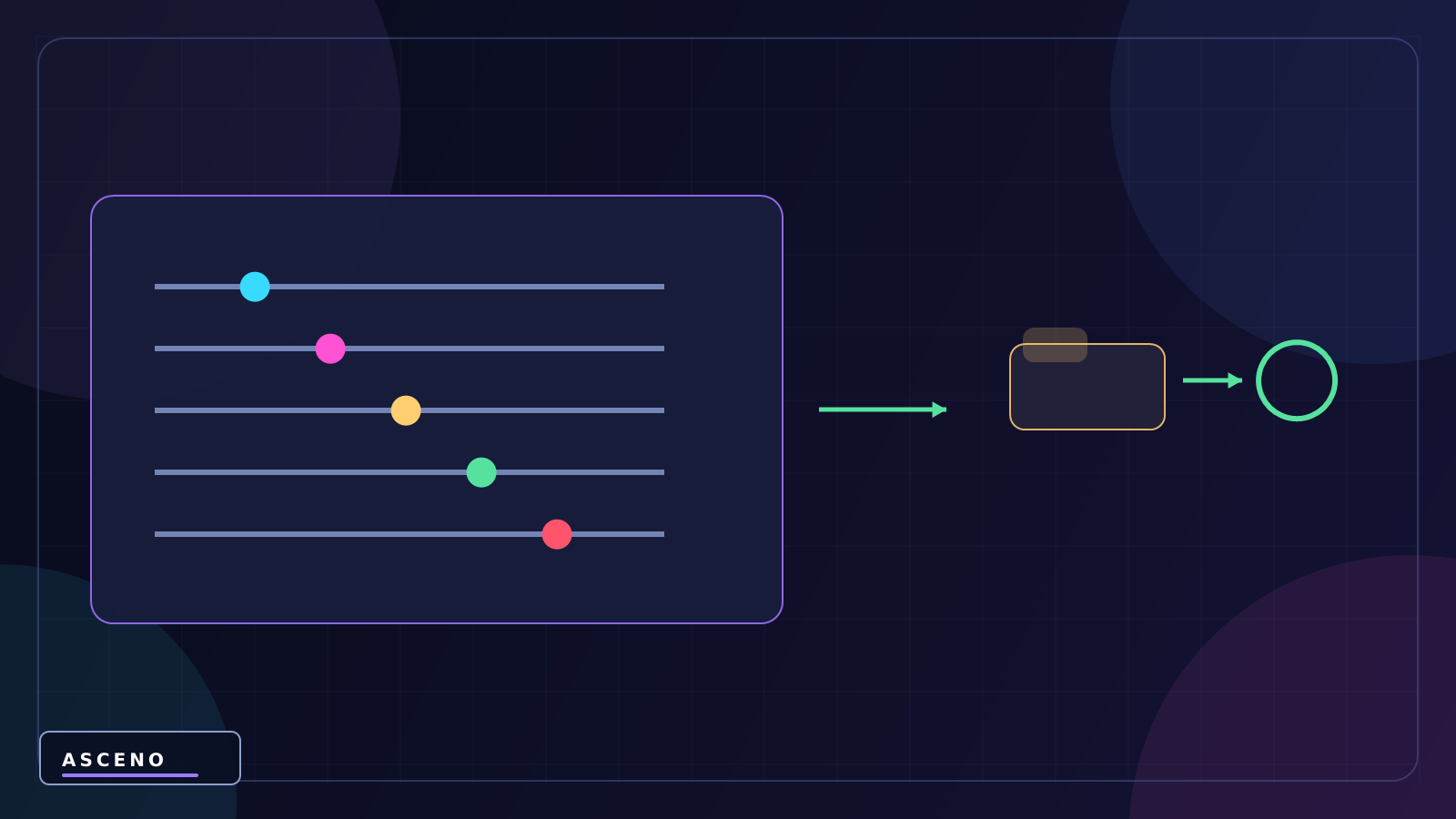
6. Configuration illustration
Select the object representing sprite renderer unity in the Hierarchy. Read Transform first, then find the relevant Component/field. Record the current value before changing it; Use Color for a light tint instead of replacing a texture for a temporary change
7. Result observation illustration
The Console is not decoration: use it to verify Check the material and shader when a sprite turns pink or loses alpha. If no log appears, check the active object, script compilation, and Console filters before adding more code.

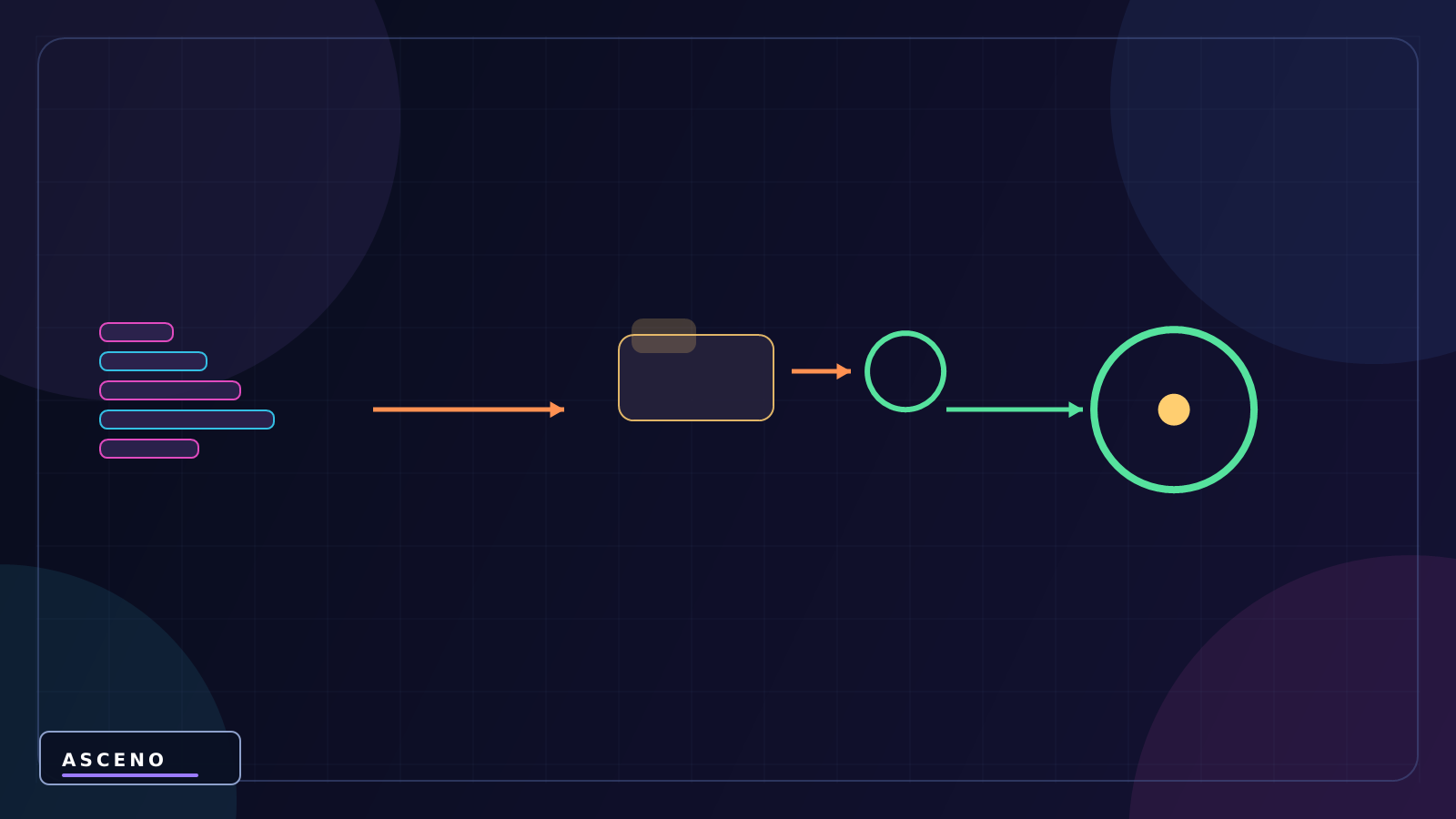
8. Code → state illustration
Do not copy code away from the Scene. Before each line, identify the input object/reference; after each line, identify the state or output that should change.
using UnityEngine;

public class SpriteFeedback : MonoBehaviour
{
    [SerializeField] private SpriteRenderer renderer2D;
    [SerializeField] private Color hitColor = Color.red;

    public void ShowHit()
    {
        renderer2D.color = hitColor;
        CancelInvoke(nameof(ResetColor));
        Invoke(nameof(ResetColor), 0.12f);
    }

    private void ResetColor() => renderer2D.color = Color.white;
}
9. Experiment illustration
The example changes a character's colour when hit, flips it by movement direction, and gives a weapon its own sorting. It makes render order concrete through one object.
- Use Color for a light tint instead of replacing a texture for a temporary change.
- Organise sorting by gameplay layer instead of increasing Order in Layer randomly.
- Check the material and shader when a sprite turns pink or loses alpha.
- Run again after reverting to check that the result is reproducible.
- Record the input value, action, result, and reason for the change.
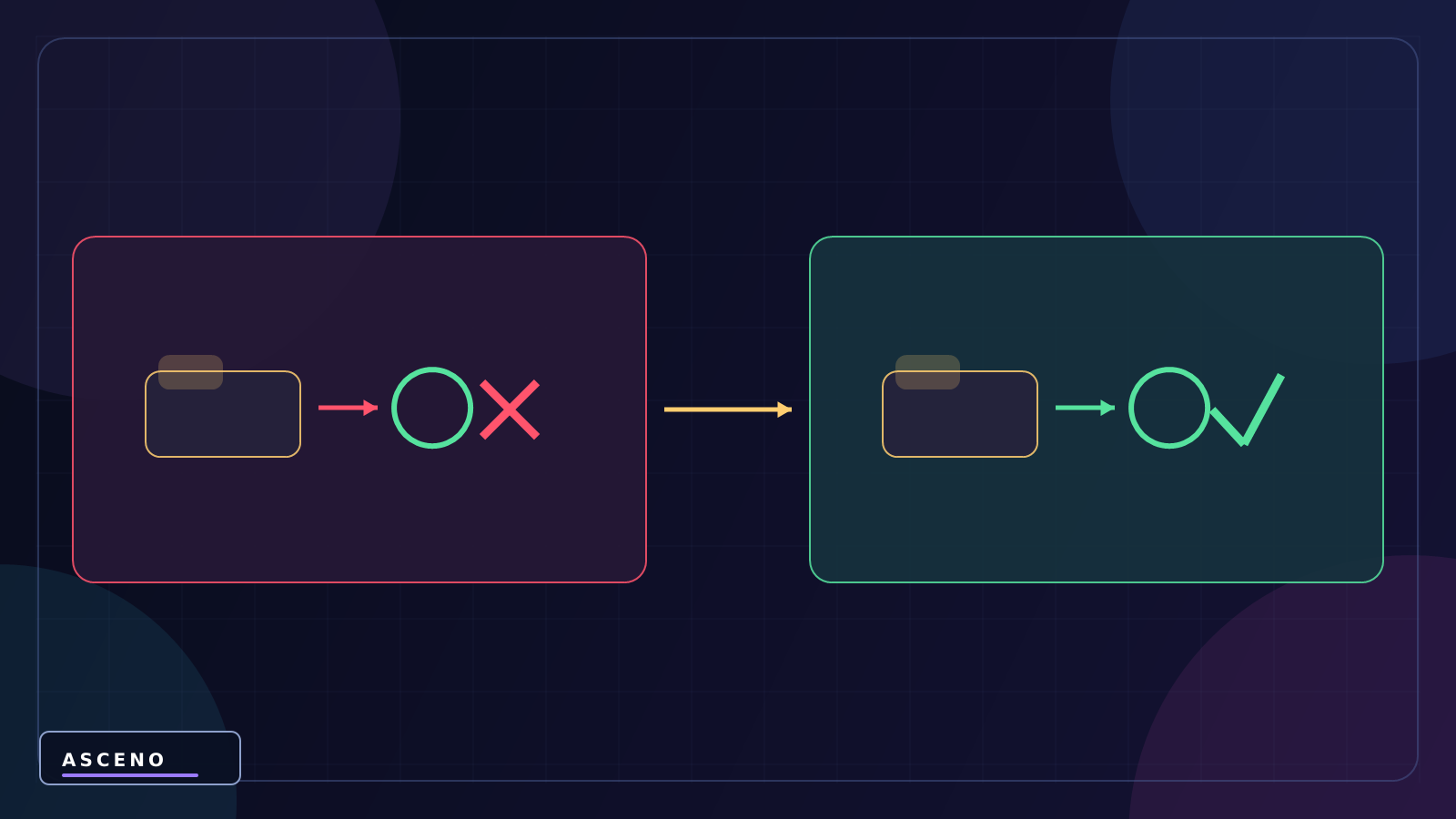
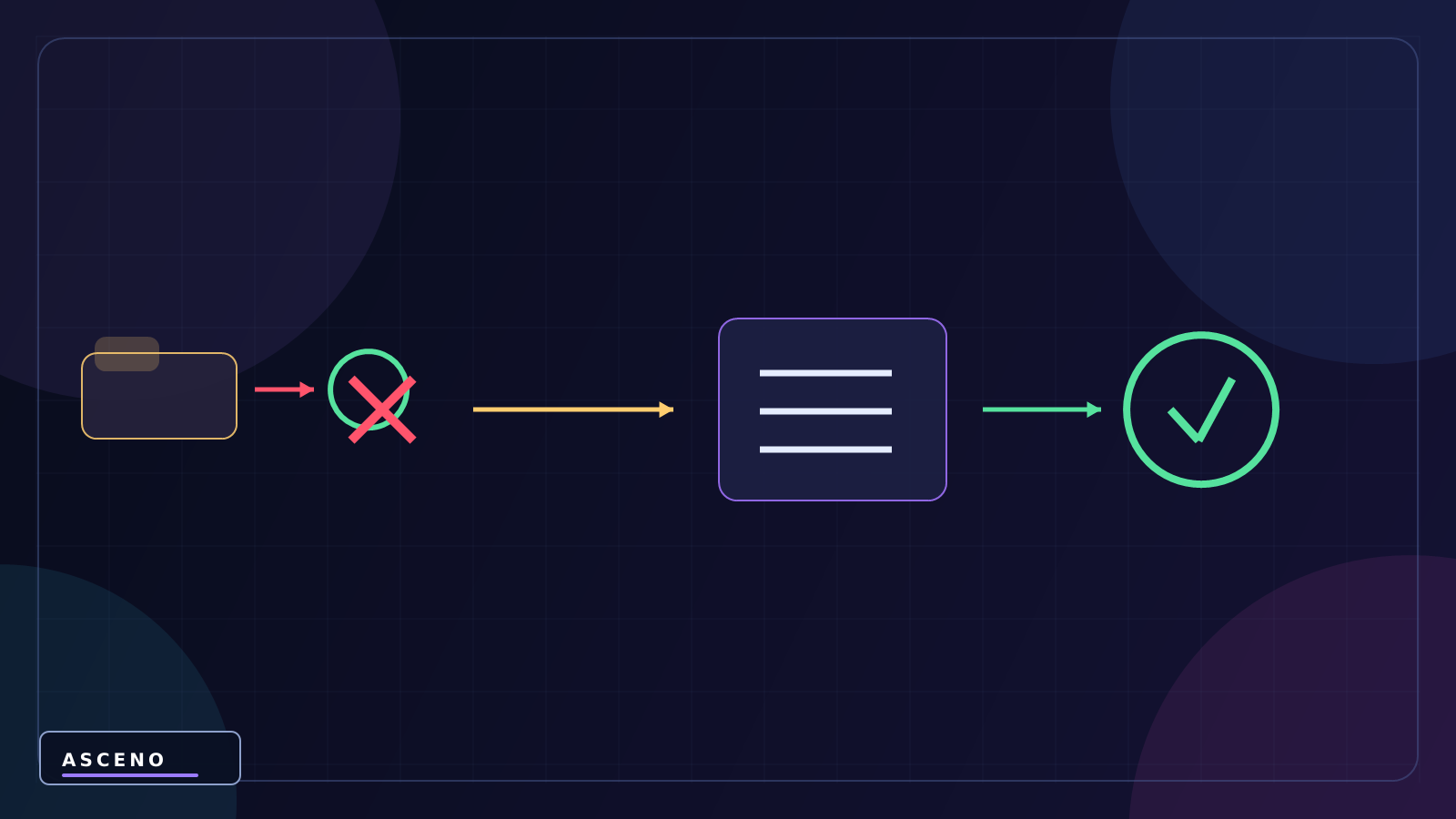
10. Failure → fix illustration
- Selecting the wrong object or asset means a correct edit appears to do nothing.
- Changing several fields at once hides the cause.
- Looking only at the Scene while ignoring the Inspector/Console.
- Skipping verification specific to sprite renderer unity.
The ASCENO perspective: A good figure must help the reader answer one concrete question. If it does not show what to select, where to look, what to change, or where the result appears, it is not ready for documentation.